Overview
This article will explain how to add addresses within departments, so that the addresses are available for all users under that department.
***
Department addresses can be added by creating the department, expanding it by clicking on the + sign, and then scrolling down to the 'Addresses' section:

Click on 'Add Address' and enter the information > click Save.
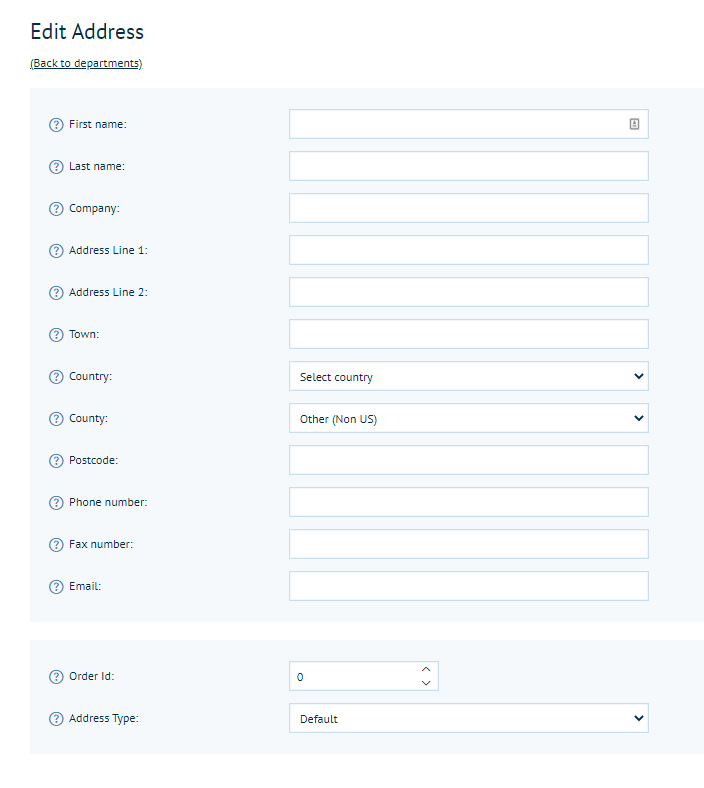
Once you've added all of your addresses go to Configuration > Settings > Customer Settings, scroll to 'Billing and Delivery Address Configuration' and enable 'Include department addresses on billing and delivery selections:'
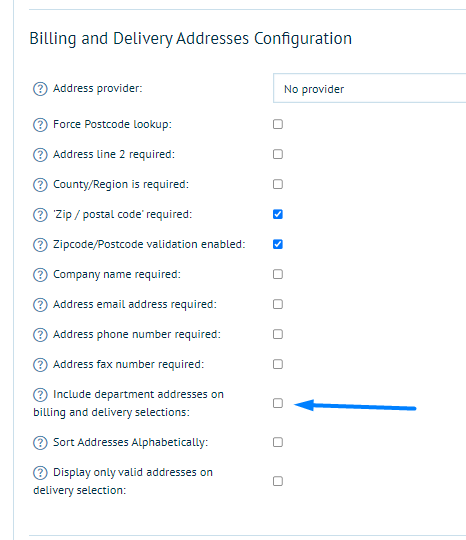
This will allow users to see the department addresses, and they will be able to add and access their own addresses.
0 Comments